
How do I share a Google Drive video for transcription?
Right-click the video in Google Drive, select 'Share', then change the access to 'Anyone with the link can view'. Copy the shareable link and paste it into GetTranscribe. No download required.
Get accurate, ready-to-use transcripts for videos stored in Google Drive. Works with meeting recordings, webinars, training videos, and any shared video file.

Written by Daniel Vengoechea · Founder & CEO, GetTranscribe
Software engineer · AI systems builder · GetTranscribe founder




/SVGs/OpenAI-white-monoblossom.svg)
 +More
+MoreBuilt for social video
Paste a public link instead of uploading a file.
Multi-language
Supports 50+ languages.
Clear quality guidance
Results vary with music, noise, and overlapping speech.
A Google Drive transcript is the complete spoken text of any video stored and shared from your Drive — meeting recordings, training sessions, webinars, interviews, or any video file you have uploaded.
GetTranscribe turns that audio into editable text, SRT caption files, and timestamped segments — no downloading or re-uploading to another service. Just share the Drive link and paste it in.
 Mobile App
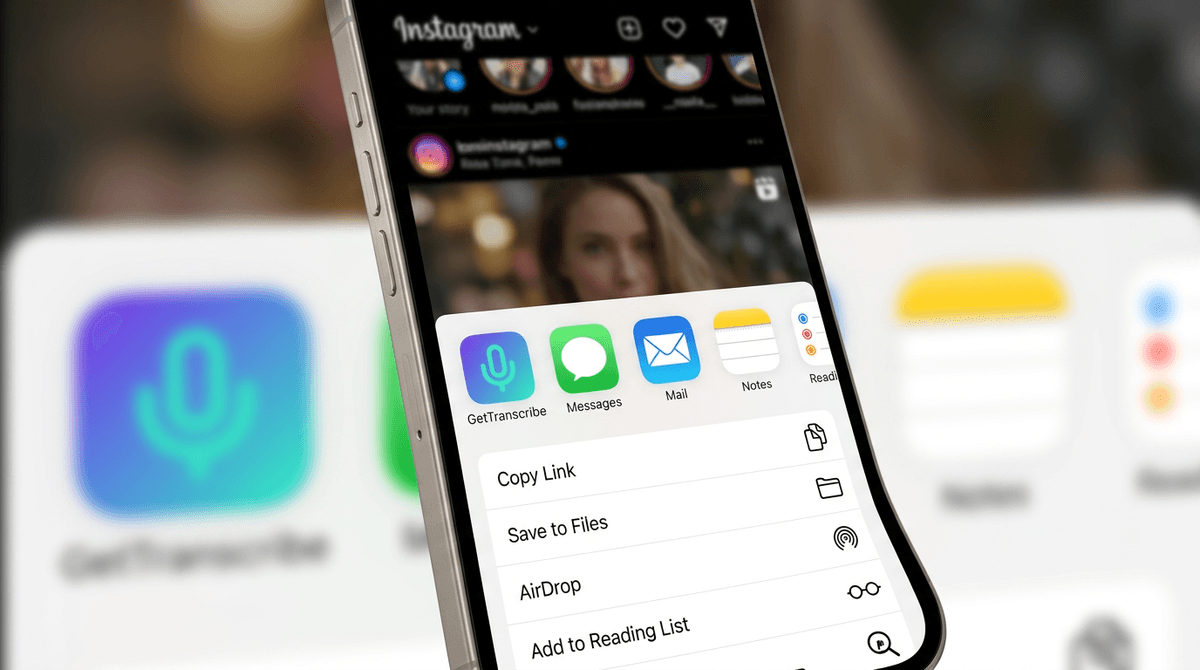
Share any publicly shareable Drive video into GetTranscribe. Get the transcript, save it to a folder, and repurpose it — all from your pocket.
Share a Drive link into GetTranscribe in one tap
Capture meeting notes and insights on the go
Available on iOS; Android waitlist open
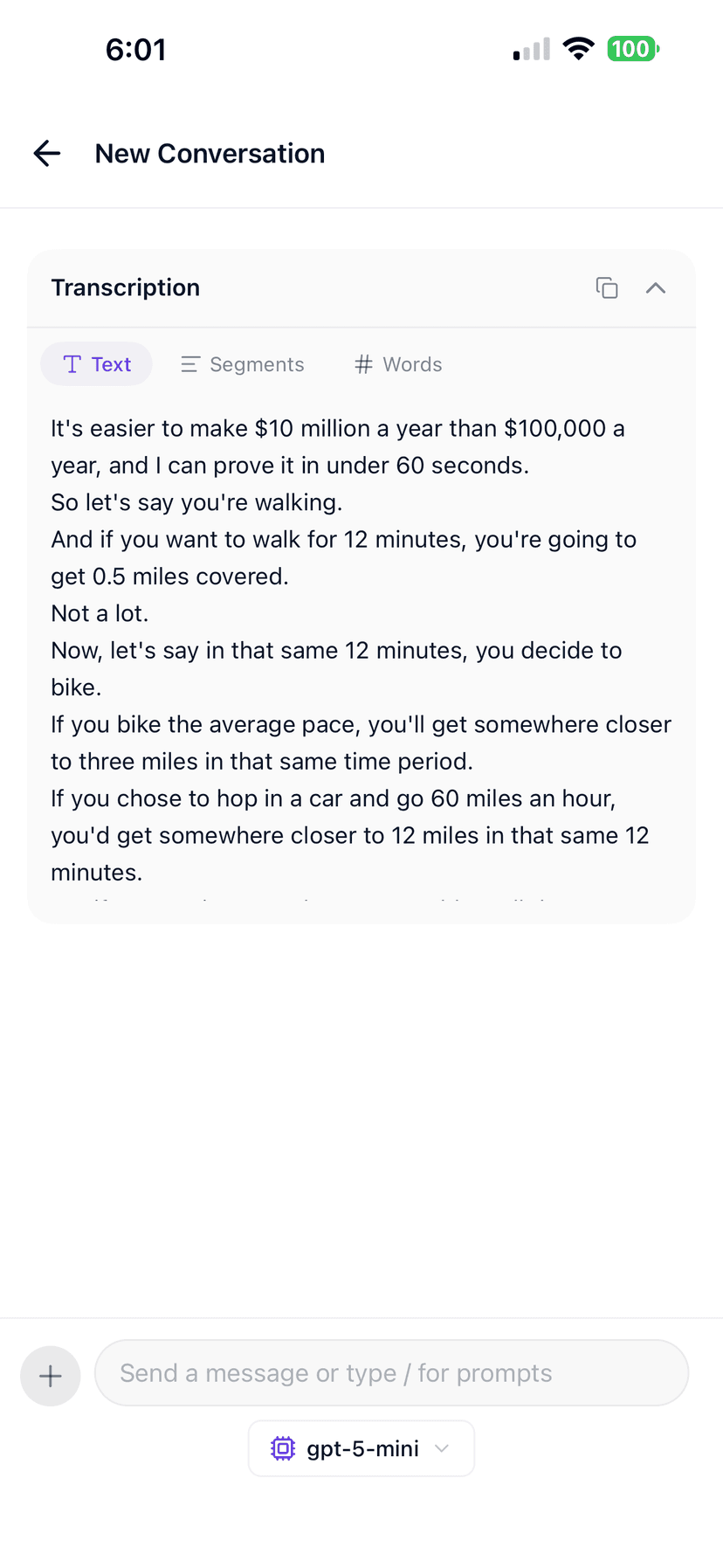
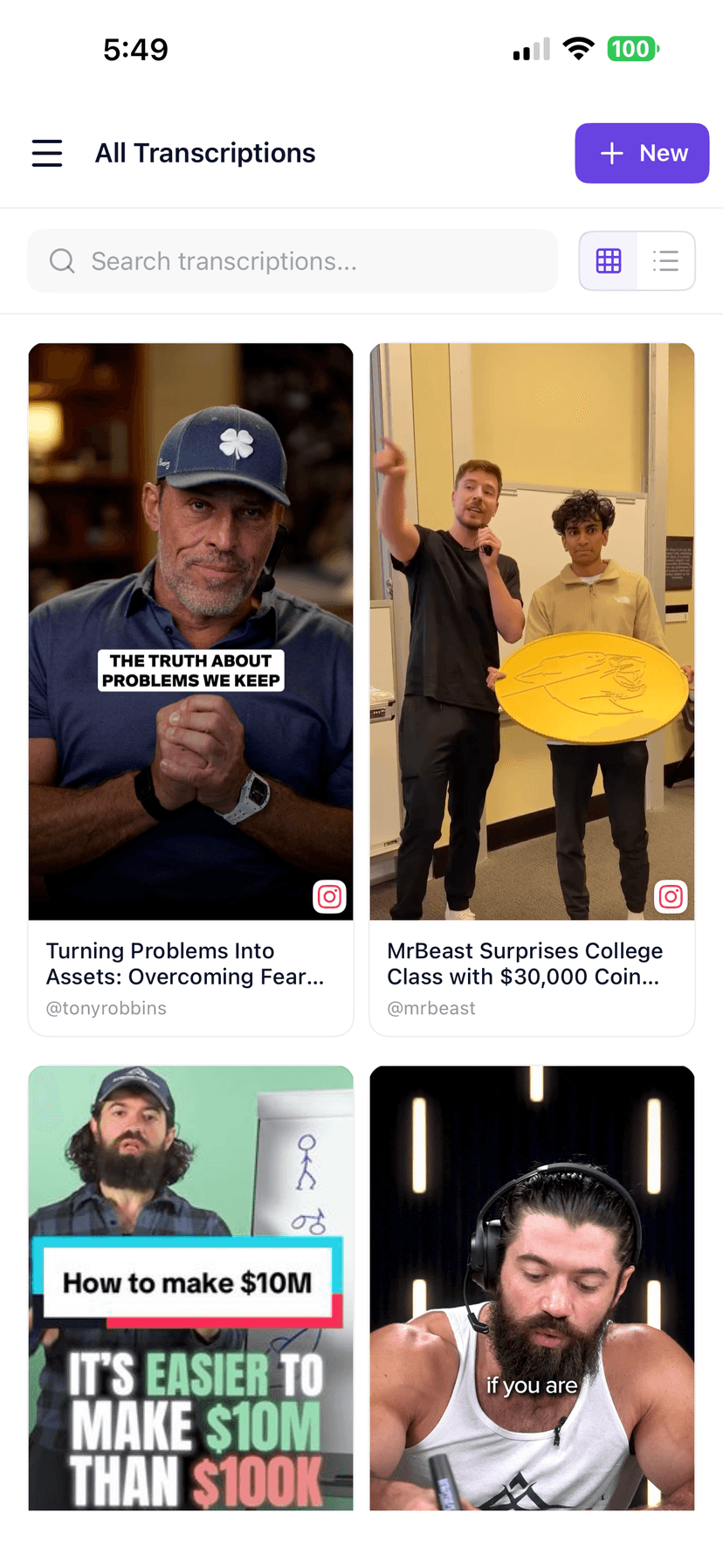
Paste a shared Google Drive video link, transcribe, then switch between full text, timed segments, and word-level view — exactly like inside GetTranscribe after a job finishes.
Same layout as the in-app chat
Illustrative sample—toggle Text, Segments, and Words like after a real transcription. Sign in to run your own Reels.
After you transcribe, keep everything in folders, run bulk jobs, or plug into integrations.
Meeting recordings
Google Meet and Zoom recordings saved to Drive — full transcripts with speaker turns.
Webinars & presentations
Recorded presentations and webinar replays shared with 'Anyone with link' access.
Training videos
Onboarding, instructional, and eLearning videos, including long-form recordings.
Interviews & podcasts
Long-form video interviews and podcast recordings stored in Drive.
Limitations
—Videos set to 'Restricted' or 'Anyone in your organization' sharing cannot be fetched — change to 'Anyone with the link'.
—Videos with only music or ambient sound have nothing to transcribe.
—Multi-speaker recordings with overlapping voices have higher error rates — plan a light edit for attribution accuracy.
Set the Drive video to 'Anyone with the link' and copy the shareable URL.
Paste the link above, hit "Get Transcript" and let our AI work.
Copy the text, download SRT captions, or export to your editor.
Clean paragraphs you can drop into Notion, Google Docs, or a script.
Lines tied to timecodes so editors can find moments fast.
Standard subtitle file for Premiere, CapCut, Descript, and social uploads.
One click to paste into DMs, briefs, or content calendars.
Use the Chrome extension, iOS app, n8n, Make, Zapier webhooks, MCP, or the REST API in your transcription workflow. Android users can join the waitlist.
Right-click any public Google Drive video in Chrome and transcribe it without leaving your tab. No copy-paste required.
Share a video straight from the Google Drive app into GetTranscribe on iPhone. Android users can join the waitlist.
Connect GetTranscribe to 400+ services without code. Transcribe, analyze, and route Google Drive content automatically inside n8n workflows.
Build multi-step scenarios that transcribe, summarize, and distribute video content across thousands of apps — drag-and-drop, no code.
Use GetTranscribe webhooks and HTTP requests inside Zapier to start transcriptions and route completed results.
Connect GetTranscribe with Claude or ChatGPT via the Model Context Protocol. Transcribe videos and analyze content from your AI chat window.
Drop transcription into any app or pipeline. Clean docs, consistent uptime, and a response format your team can ship against the same afternoon.
Single-speaker recordings, webinars with clear speech, and training videos usually produce the best transcripts. Multi-speaker meetings with overlapping voices, low-quality microphones, or heavy background noise have higher error rates — that is normal for every automatic transcript engine. Quality always depends on the audio.
See every language we tune for on the supported languages page. Only publicly shareable Drive links are processed — restricted files are never accessed.
Turn Google Meet recordings into searchable transcripts so everyone stays aligned.
Transcribe interview recordings stored in Drive without downloading large files.
Convert onboarding and training videos into text-based documentation and guides.
Transcribe recorded episodes from Drive to publish as show notes and SEO content.
Get verbatim transcripts of recorded depositions or compliance training sessions.
Bulk-transcribe client presentation recordings stored in shared Drive folders.
Our AI auto-detects the language spoken in the video — no manual selection needed. From Hindi to Spanish to English, paste the link and get the transcript.
Hindi
हिन्दी
English
Most accurate
Spanish
Español
Portuguese
Português
French
Français
German
Deutsch
Japanese
日本語
Korean
한국어
Mandarin
普通话
Indonesian
Bahasa
Italian
Italiano
Arabic
عربي
| Topic | Manual | GetTranscribe |
|---|---|---|
| Speed | Re-watching and typing a 60-minute meeting takes hours. | Drive link in — full transcript out typically about a minute for shorter clips, no download needed. |
| Generic AI tools | You download the video from Drive, then upload it to another service. | Paste the Drive share link directly — no intermediate download step. |
| Google Docs auto-transcription | Manual import, limited accuracy, no SRT export. | SRT export, timestamped view, and folder organization. Quality depends on the audio. |
Built by Daniel Vengoechea, AI systems builder. Designed for creators, researchers, and teams working with video stored across Google Drive, YouTube, and social platforms. Learn more on our About page.
3-day self-service refund. No questions asked.
Start transcribing Google Drive videos at $0.06/min — cancel or refund directly from your account.
*Accuracy rate based on internal testing across 500+ videos in English.
Create folders and keep every meeting transcript neat & searchable for future reference.
Upload a list of Drive video links and let our AI transcribe them all while you sleep.
Programmatically generate transcripts in your own apps & workflows. Start from API docs.
Simple, transparent pricing
Start with 2 free video analyses · Pro from $9.99/month · Business from $29/month · usage credits after your plan limit.
Straight answers for the searches people actually type before they transcribe a video.
Right-click the video in Google Drive, select 'Share', then change the access to 'Anyone with the link can view'. Copy the shareable link and paste it into GetTranscribe. No download required.
GetTranscribe supports short clips and long recordings, subject to plan and processing limits. Longer recordings take more time to process.
Yes. Google Meet recordings are saved directly to Google Drive. Share the recording link with 'Anyone with the link' access and paste it into GetTranscribe to get a full transcript of the meeting.
GetTranscribe requires 'Anyone with the link' sharing access. If your video is private, temporarily change the sharing settings before transcribing. You can revert to private immediately after.
Yes. After transcription you can download an SRT caption file, copy plain text, or view a timestamped transcript with word-level detail. All export formats are available for Google Drive videos.
Quality depends on the audio. Clear speech works best. Heavy background music, overlapping speakers, or noisy rooms lower accuracy. We support 50+ languages — see our supported languages page for language-specific guidance.
Pay-as-you-go at $0.06 per minute of audio processed. Free includes 2 lifetime video transcriptions and 10 lifetime AI messages. Basic is $7.99/mo; Pro is $9.99/mo. See the pricing page for the full breakdown.