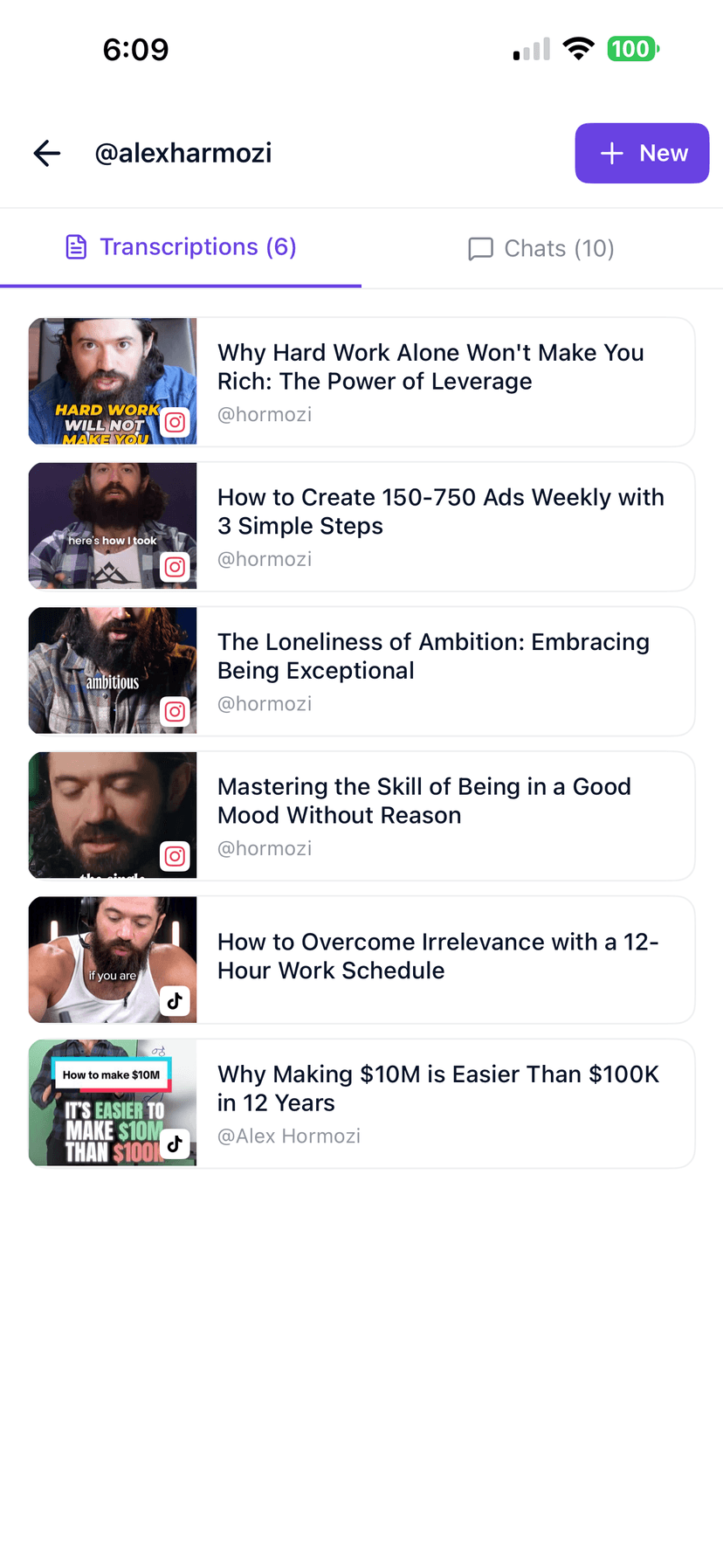
Can I transcribe Instagram Reels?
Yes. Copy the public Reel link from the Instagram app or browser, paste it into GetTranscribe, and tap Get Instagram Transcript. Short Reels are usually ready in about a minute.
Paste a public Instagram Reel or video. Get the transcript, timestamps, key scenes, on-screen messaging, and ideas for reusing the content.
No signup required to try · Usually ready in about a minute · Public Instagram URLs only

Written by Daniel Vengoechea · Founder & CEO, GetTranscribe
Software engineer · AI systems builder · GetTranscribe founder
Timestamps included
Jump to any spoken moment
50+ languages
Auto-detect or pick a language
TXT, SRT, PDF exports
Copy or download in one click
A real result generated from a public Instagram Reel — with transcript, captions, key frames, story structure, and repurpose options.
Transcript
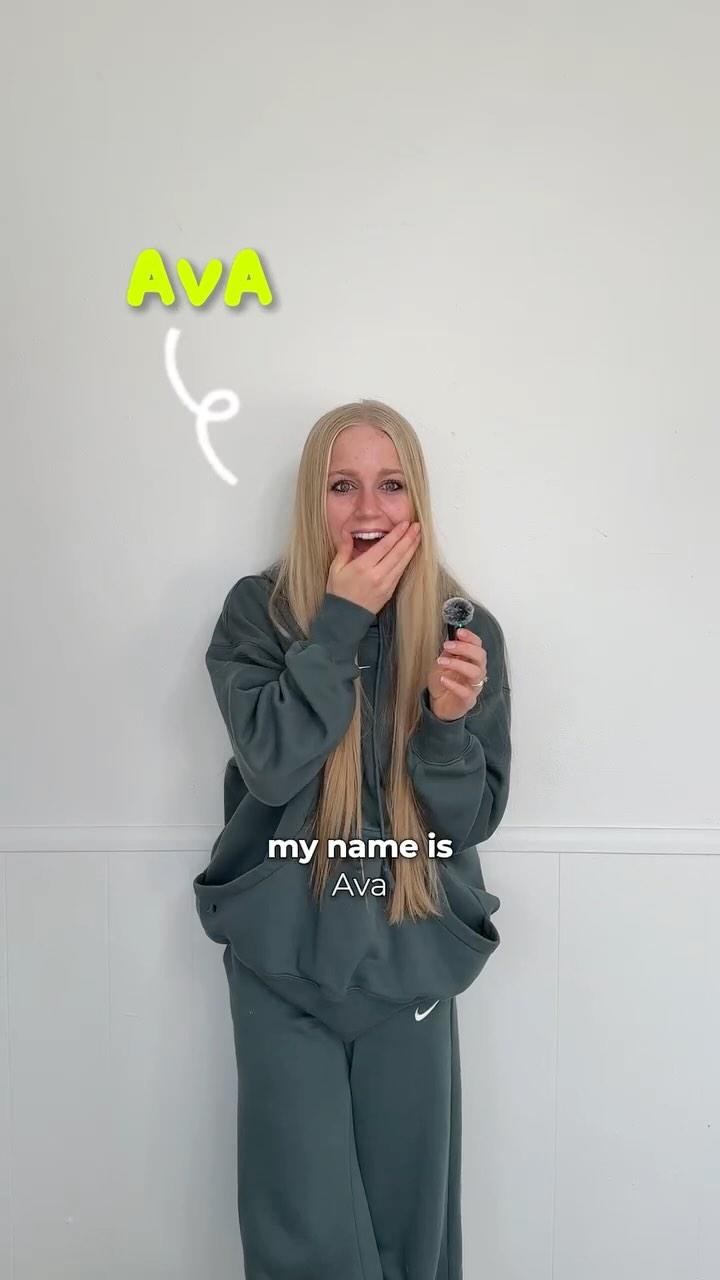
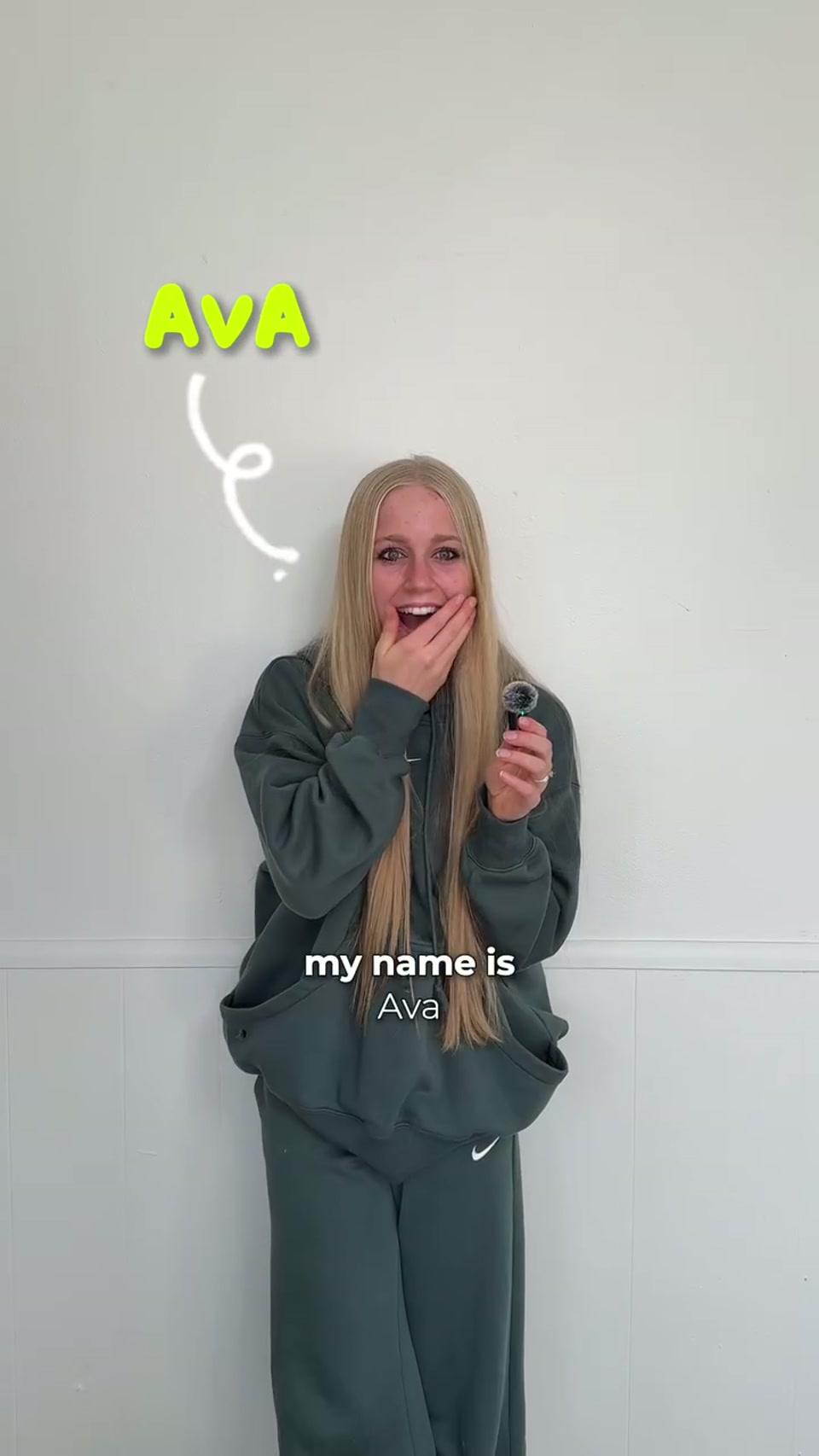
0:00 Hi, my name is Ava. You may know me as a 19-year-old who built a 7 million dollar company, or the psychopath who gets up at 2 a.m.
0:11 I grew up right outside of Milwaukee in Wisconsin. As a child, I was an abomination.
0:24 At 14 years old, I started dating this muscular hottie named Matt.
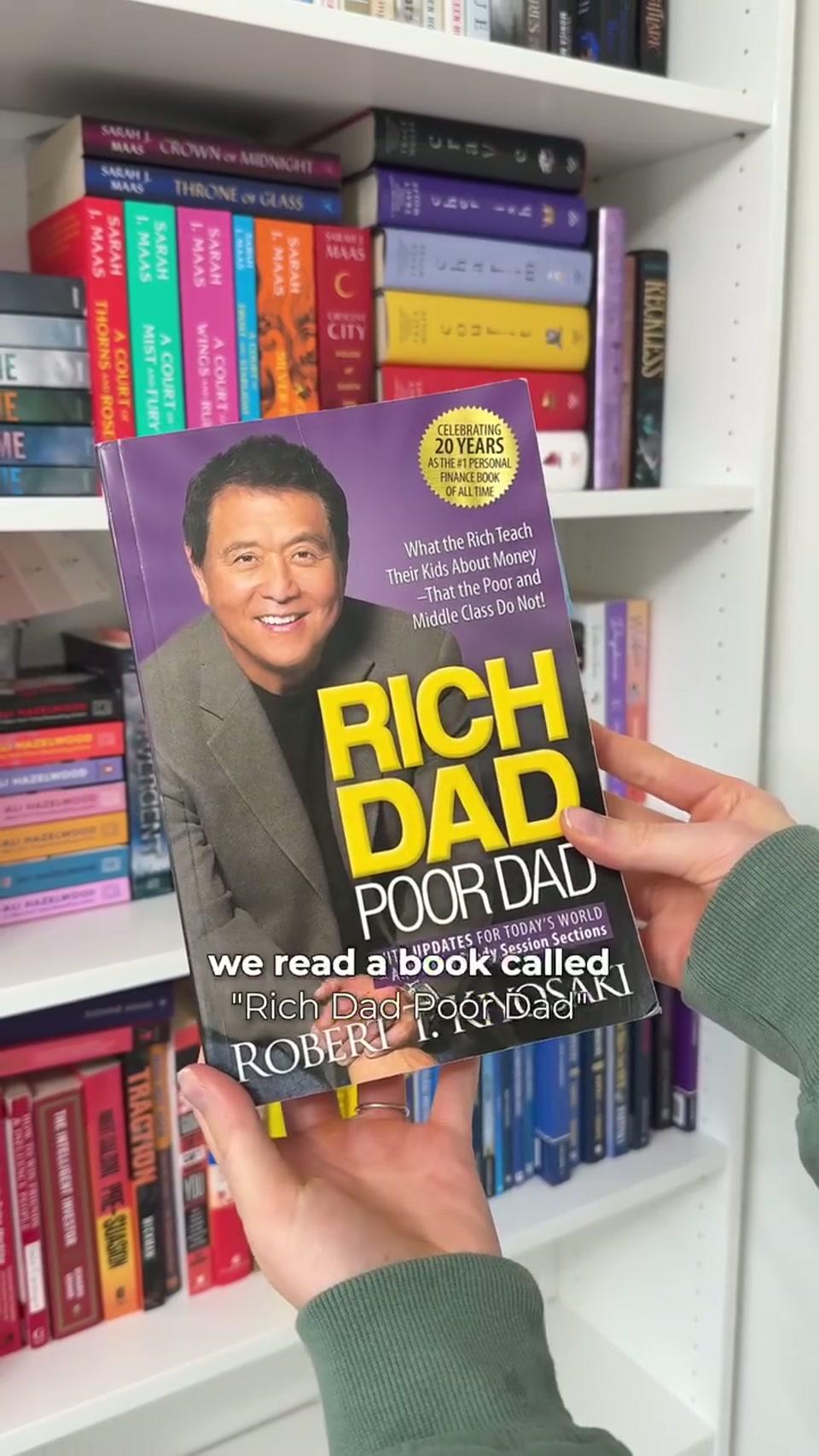
0:28 We read a book called Rich Dad Poor Dad, which led us to starting a real estate investing company at age 15.
0:38 I noticed all these business owners building big personal brands on social media.
0:45 In the first month, I got 50,000 followers and fell in love with social media marketing.
Main idea
Ava shares how she moved from teenage real estate investing to building a personal brand company through short-form content.
Key frames
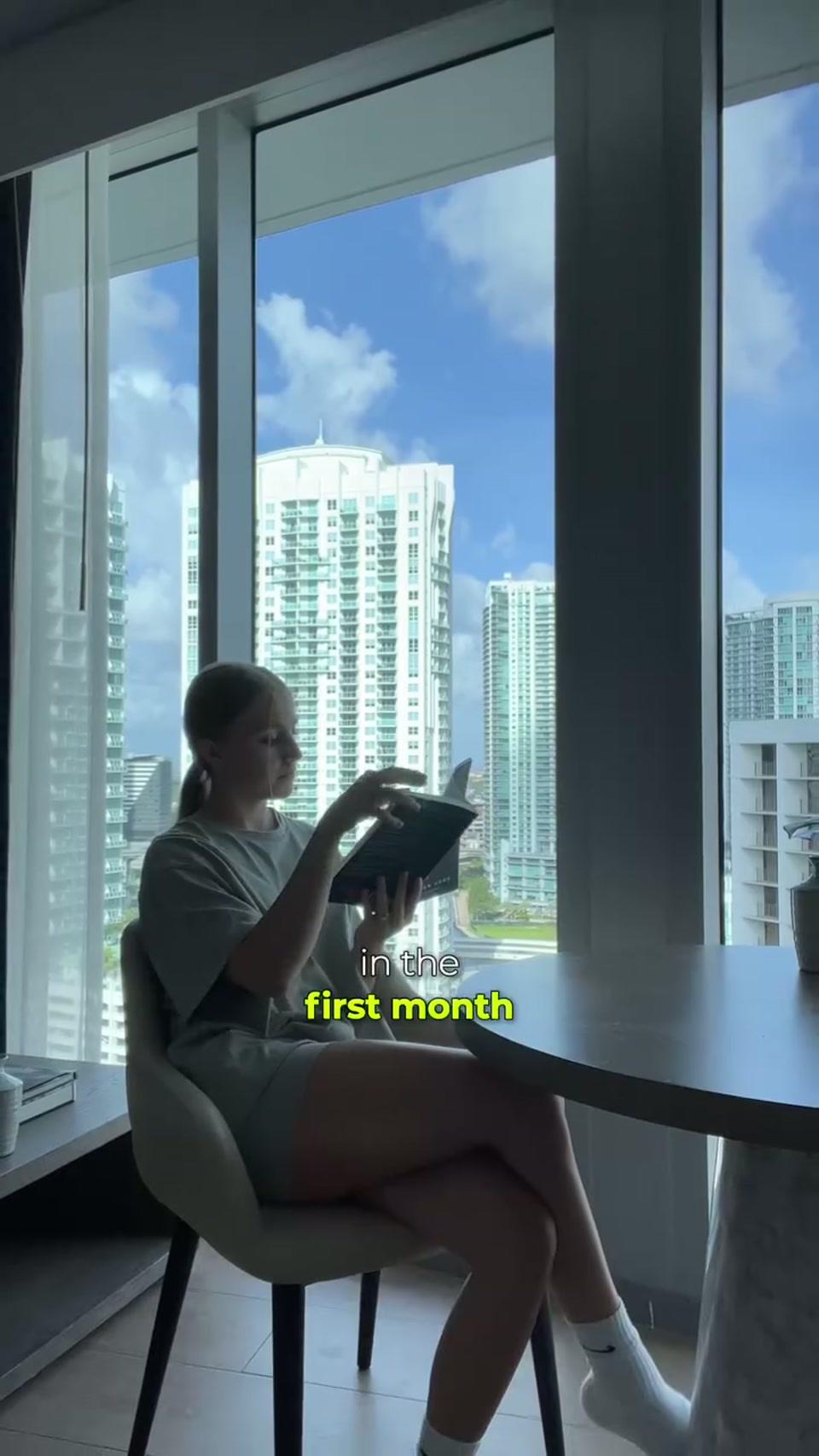
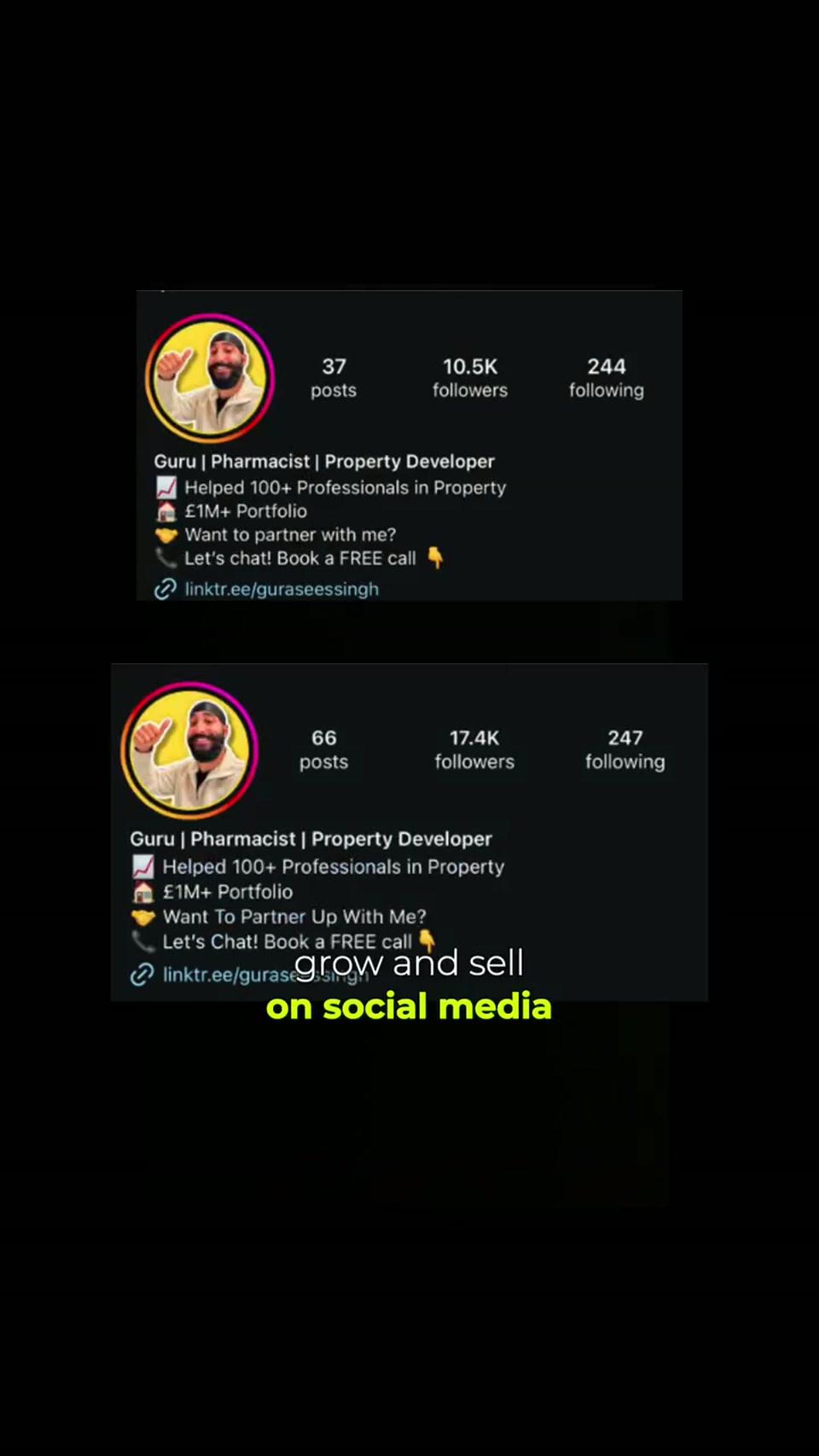
Hook type
Personal credibility teaseRepurpose options
Transcript generated. Now ask:
Connect spoken words with on-screen captions, key frames, product mentions, story structure, and drafts you can ship as captions or carousels.
Transcript
“Hi, my name is Ava. You may know me as a 19-year-old who built a 7 million dollar company, or the psychopath who gets up at 2 a.m.”
On-screen captions
my name is Ava
Key frames
Detected topics
Story structure
Caption draft
The pivot from real estate to building a personal brand
Carousel idea
5 chapters: ambition → first business → pivot → growth → next chapter
CTA
“Follow along for the ride.”
Looking for an Instagram script extractor? Paste a public Reel or video link and get the spoken script as clean, editable text — with timestamps so you can jump to every line.
Use GetTranscribe as your Instagram Reel script extractor: copy the share link, paste above, and pull the full spoken script without typing.
Study hooks, CTAs, and story beats from creators you admire, then adapt the Instagram script for your own brand voice.
Turn a transcribed Reel into your next Instagram video script generator brief — captions, carousels, or a remake outline with source timestamps.
Once your video is transcribed, GetTranscribe can identify hooks, topics, scenes, CTAs, visual patterns, and opportunities to reuse the content.
Step 1
Copy a public Reel or video URL from Instagram Share, then paste it above.
Step 2
Hit Get Instagram Transcript. We return searchable text with timestamps.
Step 3
Copy text, download SRT, draft captions, or open full Reel analysis with frames and structure.
Every spoken word as clean, editable text.
Jump to claims, demos, and CTAs without rewatching.
Plain text for docs; SRT for CapCut, Premiere, and captions.
Capture captions that appear on the Reel itself.
Visual moments tied to the spoken story.
Caption drafts, carousels, and UGC brief angles.
Pull what creators say about your product — claims, objections, and demo moments — into one searchable library.
Turn winning Reels into caption drafts, carousel outlines, and creative briefs without rewatching.
Compare hooks, CTAs, and visual structure across partner Reels before you brief the next batch.
Extract spoken product mentions and on-screen proof points for PDPs, ads, and sales decks.
Reuse the spoken message as Instagram captions that match what viewers already heard.
Convert a Reel into a carousel, email, or landing-page section with source timestamps.
 Mobile App
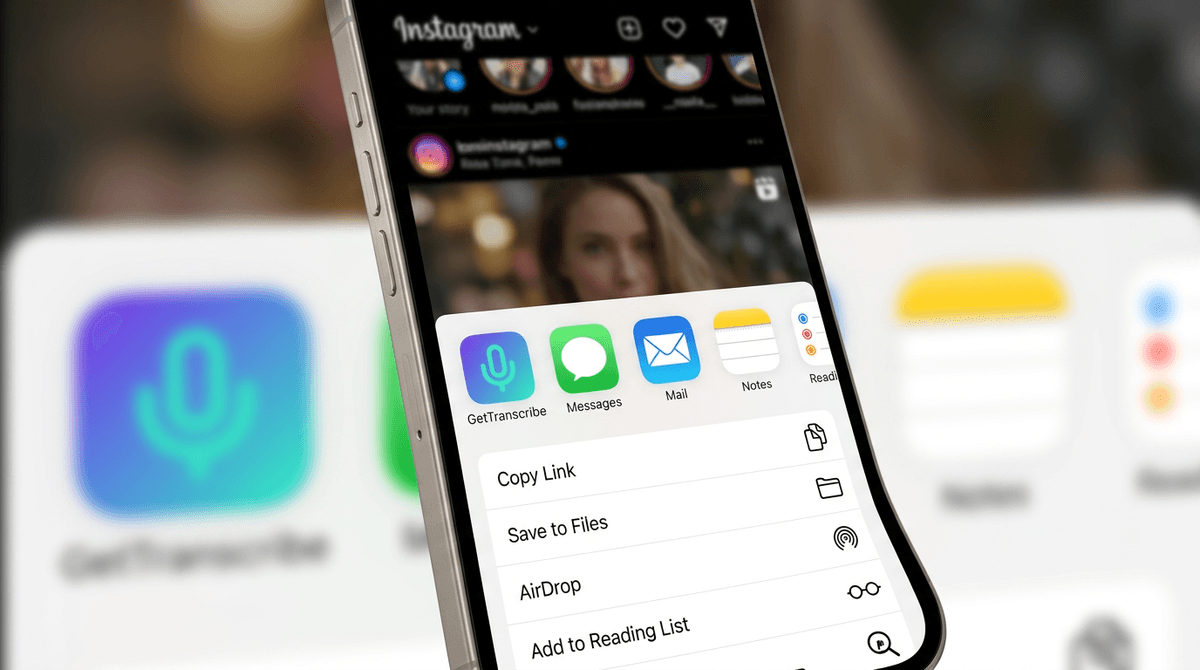
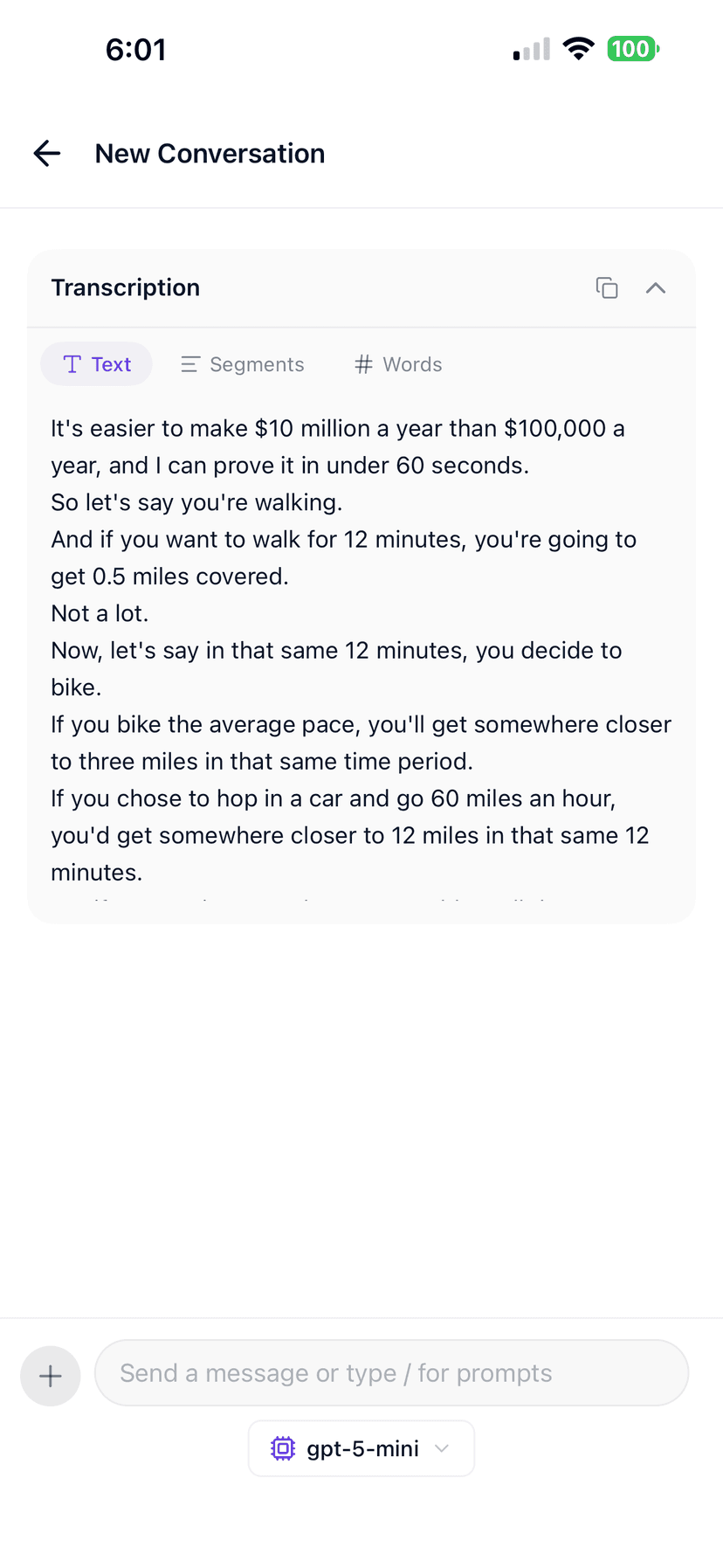
On iPhone, tap Share on any public Reel and open it in GetTranscribe. Get the transcript, keep the frames, and brief your next UGC drop from your pocket.
Share an Instagram Reel into GetTranscribe in one tap
Capture captions, hooks, and product mentions on the go
Available on iOS; Android waitlist open
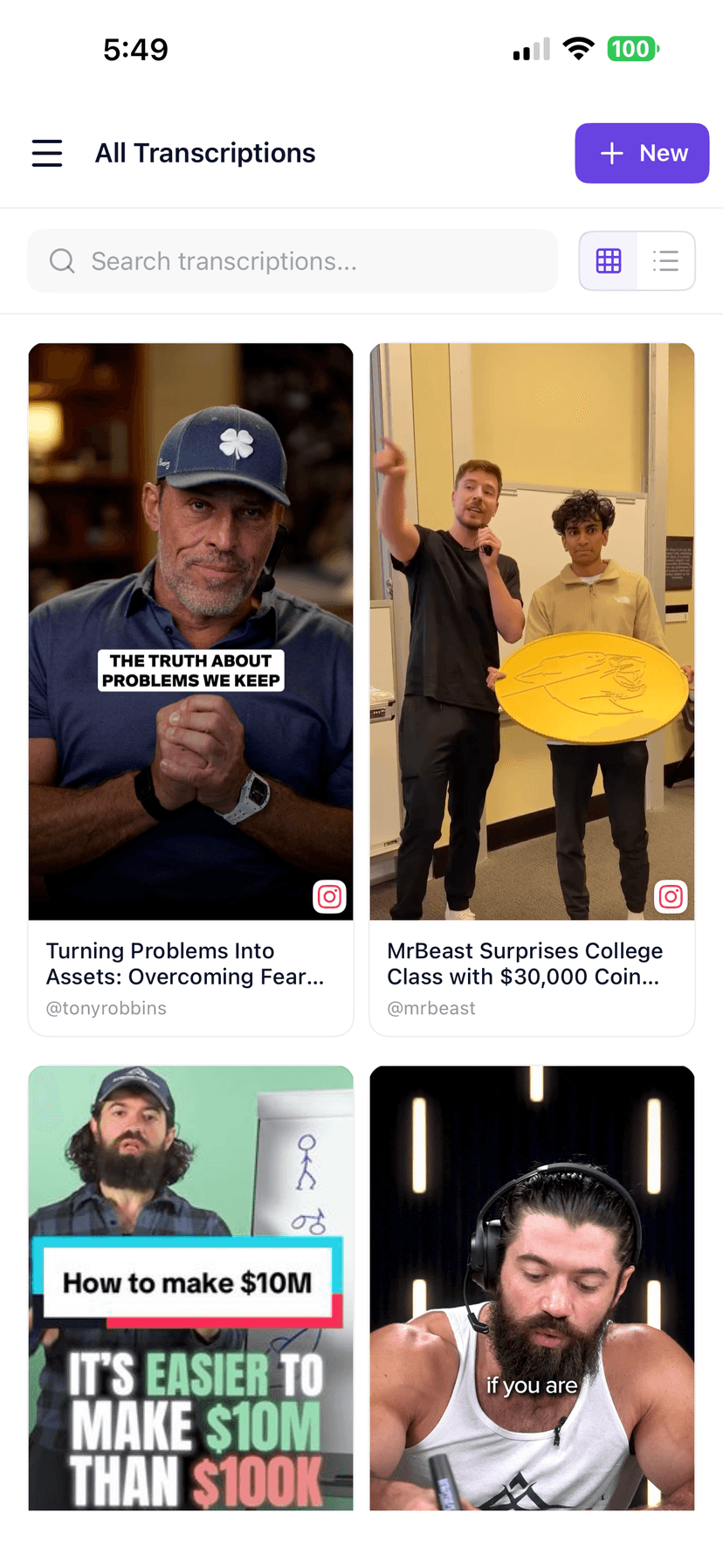
Copy text, export files, or plug GetTranscribe into the tools your team already uses.
Explore all integrations →| Topic | Manual | GetTranscribe |
|---|---|---|
| Getting the words | Rewatch Reels and type notes by hand. | Paste a public Reel URL — transcript + timestamps in about a minute. |
| Visual + message | Screenshots in one place, script in another. | Transcript, on-screen text, and key frames in one analysis view. |
| Repurposing | Start from memory when writing captions or carousels. | Draft captions and carousel ideas from the same Reel intelligence. |
An Instagram transcript is the spoken text of a Reel or video post — every word your audience hears, written out so you can caption, brief, research, or repurpose without rewatching.
GetTranscribe turns that audio into editable text, SRT files, and timestamped segments, then connects the message to on-screen text and key frames for UGC and brand workflows.
Simple, transparent pricing
Start with 2 free video analyses · Pro from $9.99/month · Business from $29/month · usage credits after your plan limit.
Straight answers for the searches people actually type before they transcribe a video.
Yes. Copy the public Reel link from the Instagram app or browser, paste it into GetTranscribe, and tap Get Instagram Transcript. Short Reels are usually ready in about a minute.
Yes. GetTranscribe works as an Instagram script extractor and Instagram Reel script extractor: paste a public Reel URL to pull the spoken script as text with timestamps. From there you can rewrite it, brief creators, or use it as an Instagram video script generator starting point.
Yes, when the Story is a public video with audible speech. Private Stories or image-only Stories cannot be transcribed because our systems cannot access them.
Yes. You can download an SRT file for captions, copy plain text, or use a timestamped transcript view depending on your workflow and editor.
No. We only process publicly reachable Instagram URLs. Private accounts, restricted posts, or content that requires a login you have not authorized cannot be transcribed.
Export TXT or SRT, then analyze on-screen text, key frames, hooks, and product mentions. Draft captions, carousels, or UGC briefs — or move into full video analysis and library search.
Yes. The iOS app is live — share a Reel or video post straight into GetTranscribe. Android is on the waitlist. You can also paste the link in the mobile web experience.
Try without an account first. Pay-as-you-go is $0.06 per minute. Free includes 2 lifetime video transcriptions. Pro is $9.99/mo. See pricing for the full breakdown.