How do I transcribe a YouTube video to text?
Copy the YouTube video URL, paste it into GetTranscribe, and click Get YouTube Transcript. Most short videos are ready in about a minute. Public YouTube videos, Shorts, and podcasts are supported.
Paste any public YouTube video or Short. Get an accurate transcript with timestamps, then summarize, analyze, search, or repurpose the content with AI.
No signup required to try · Short videos usually ~1 minute · Public YouTube URLs only
See what GetTranscribe can analyze →

Written by Daniel Vengoechea · Founder & CEO, GetTranscribe
Software engineer · AI systems builder · GetTranscribe founder
Timestamps included
Jump to any spoken moment
50+ languages
Auto-detect or pick a language
TXT, SRT, PDF exports
Copy or download in one click
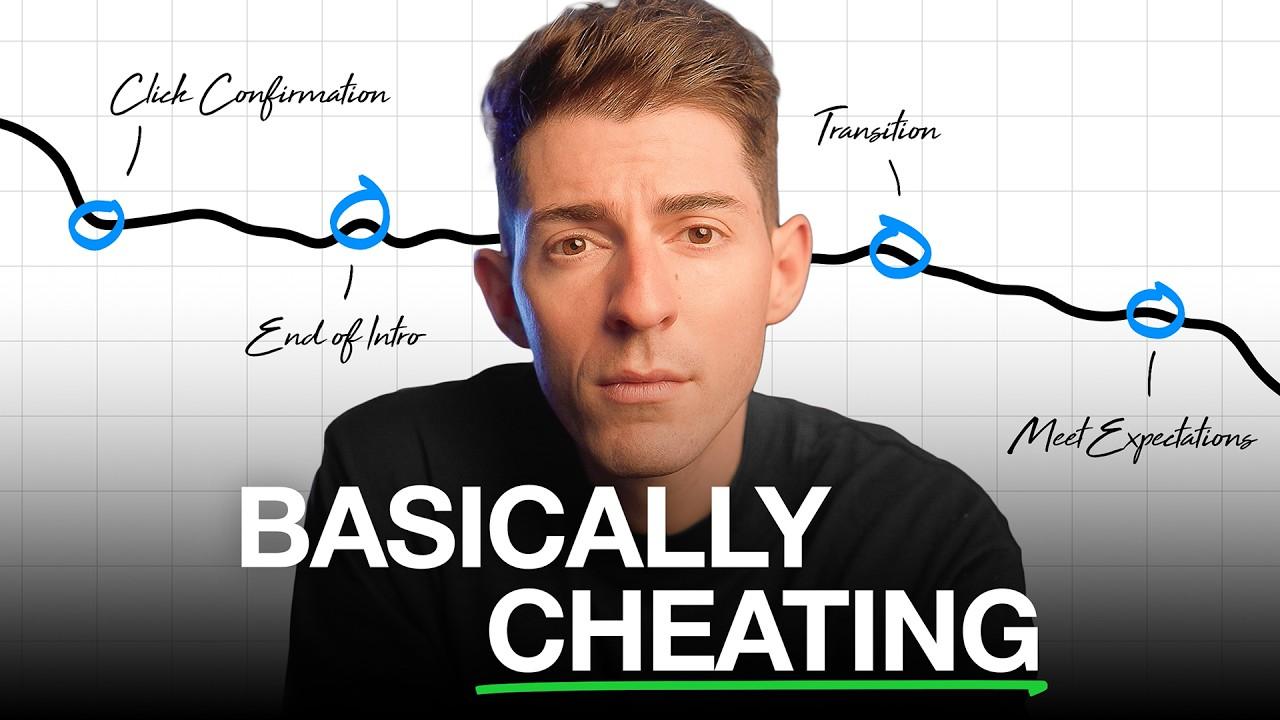
A real result generated from a public YouTube video — thumbnail, timestamped transcript, chapters, search hits, and a clear path to ask AI.
Transcript with timestamps
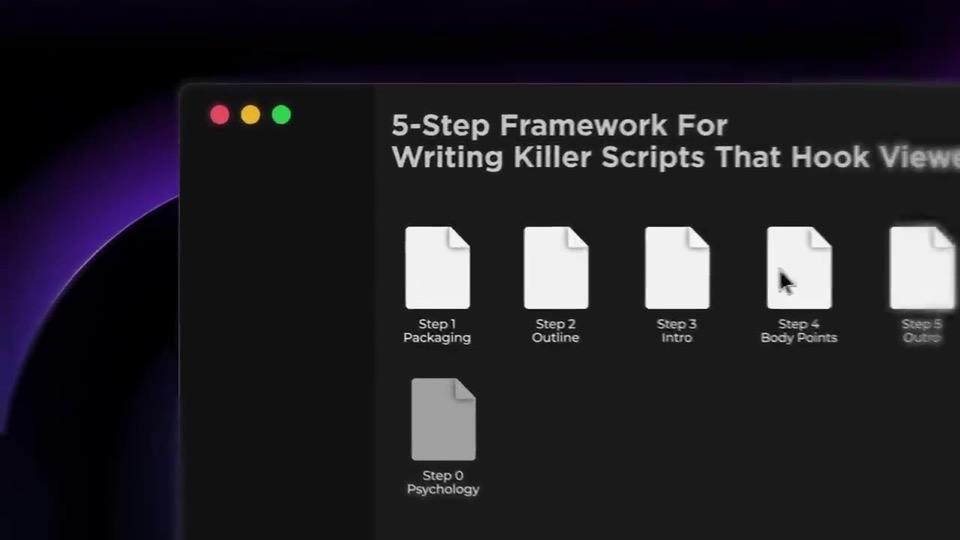
0:00 Today, we're talking about writing killer scripts.
0:07 You might have a great video idea, but how do you actually write a script with a compelling story that keeps people hooked the entire time?
0:24 This is the proven five-step framework for how to write killer scripts that keep viewers hooked.
0:59 Content psychology really boils down to one single principle: expectations versus reality.
2:04 Your job is to make sure the first few lines of the intro confirm and ideally beat their expectations set by the title. This is called click confirmation.
Transcript generated. Now ask:
Built for long videos, Shorts, podcasts, interviews, tutorials, and classes — find quotes, chapters, lessons, and reusable passages without rewatching.
Search inside the transcript
What is click confirmation on YouTube?
0:24
This is the proven five-step framework for how to write killer scripts that keep viewers hooked.
0:59
Content psychology really boils down to one single principle: expectations versus reality.
2:04
Make sure the first few lines of the intro confirm and ideally beat the expectations set by the title. This is called click confirmation.
Chapter map
What teams do with long-form transcripts
Once your video is transcribed, GetTranscribe can identify hooks, topics, scenes, CTAs, visual patterns, and opportunities to reuse the content.
Step 1
Copy any public YouTube or Shorts URL and paste it above.
Step 2
Hit Get YouTube Transcript. We return searchable text with timestamps.
Step 3
Copy text, download SRT, summarize chapters, search quotes, or open full analysis.
Full spoken text from long videos, Shorts, and podcasts.
Jump to quotes, chapters, and key explanations.
Plain text for docs; SRT for YouTube Studio and editors.
Chapter-level overviews without rewatching the full runtime.
Ask where a topic is explained and get source-backed answers.
Save videos and search across multiple transcripts.
Find the exact moment a speaker explains a concept — jump by timestamp instead of scrubbing an hour-long video.
Turn episodes into searchable notes, quotable lines, and newsletter drafts.
Extract steps, definitions, and action items from educational long-form content.
Map the video into chapters and summarize each beat for your team or audience.
Build a library of transcripts and search across channels for the same topic.
Convert YouTube videos into written assets with source timestamps for trust.
 Mobile App
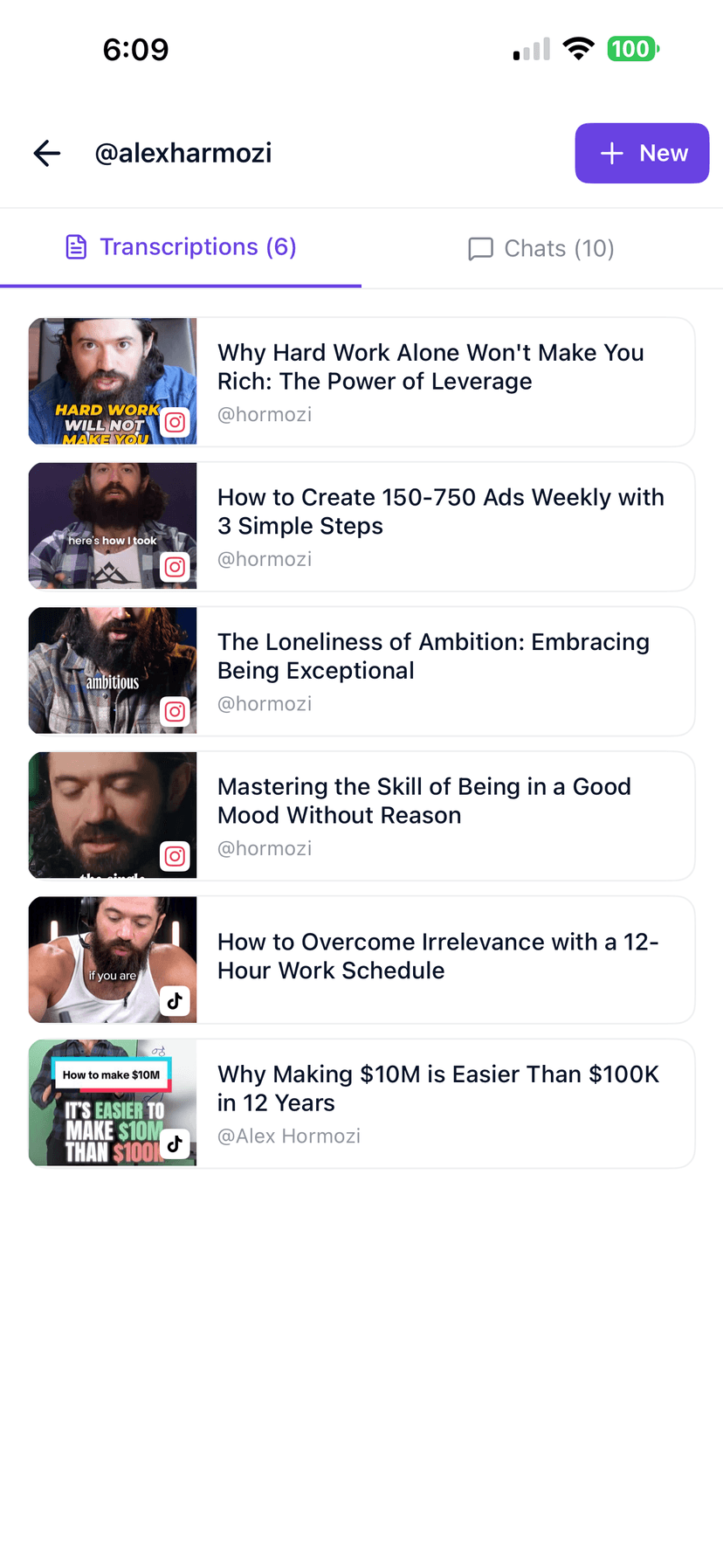
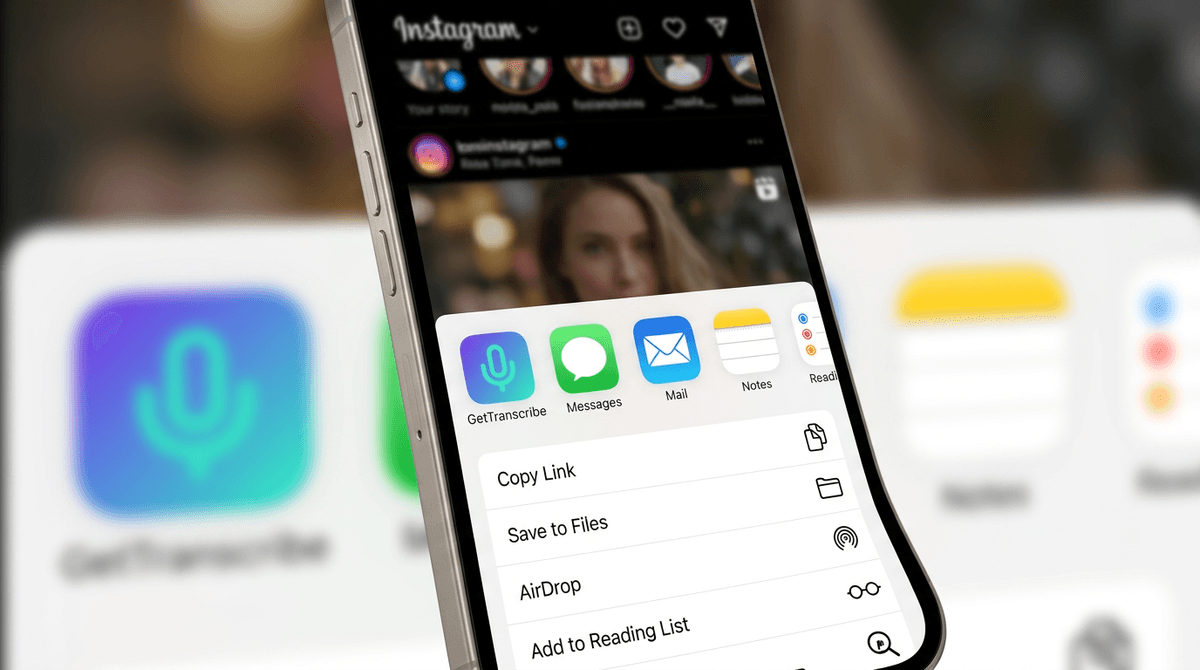
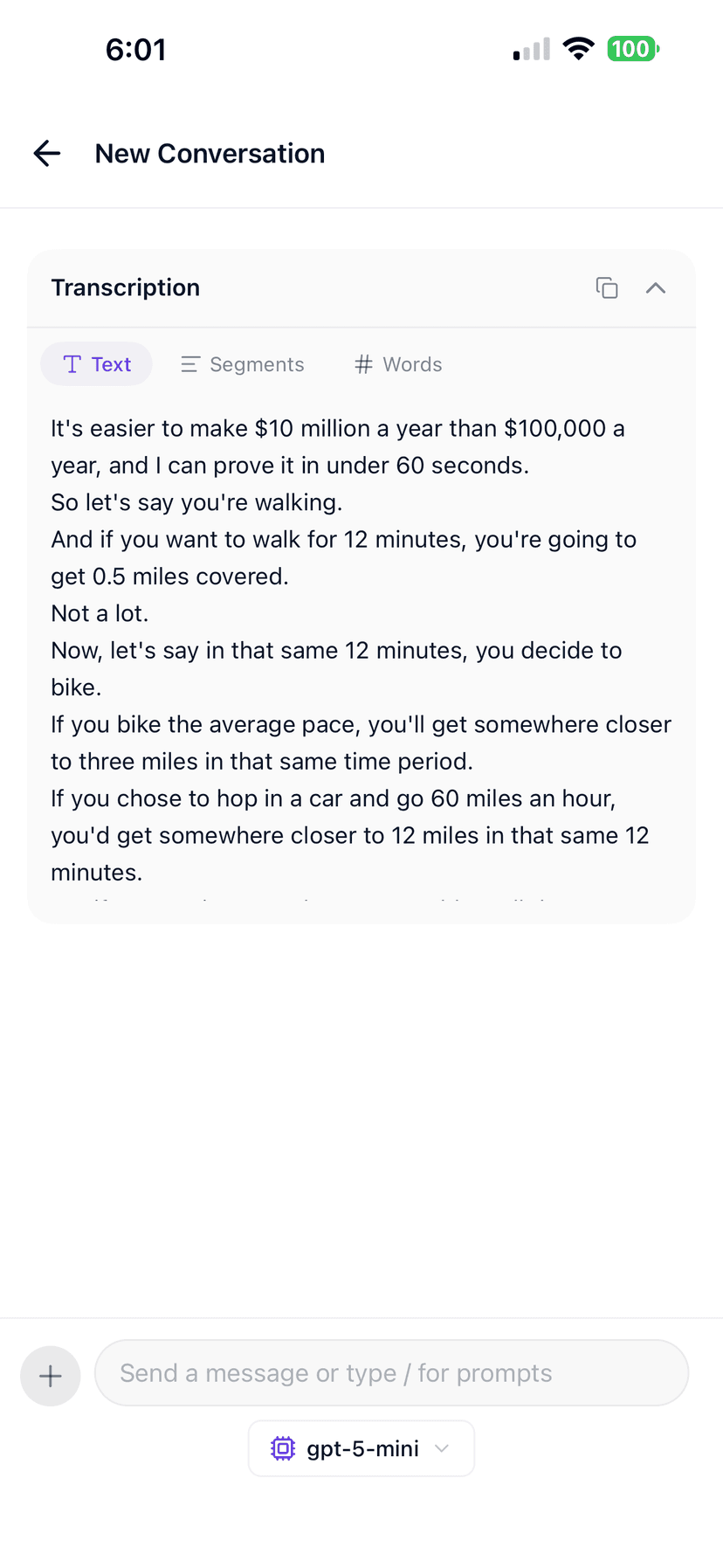
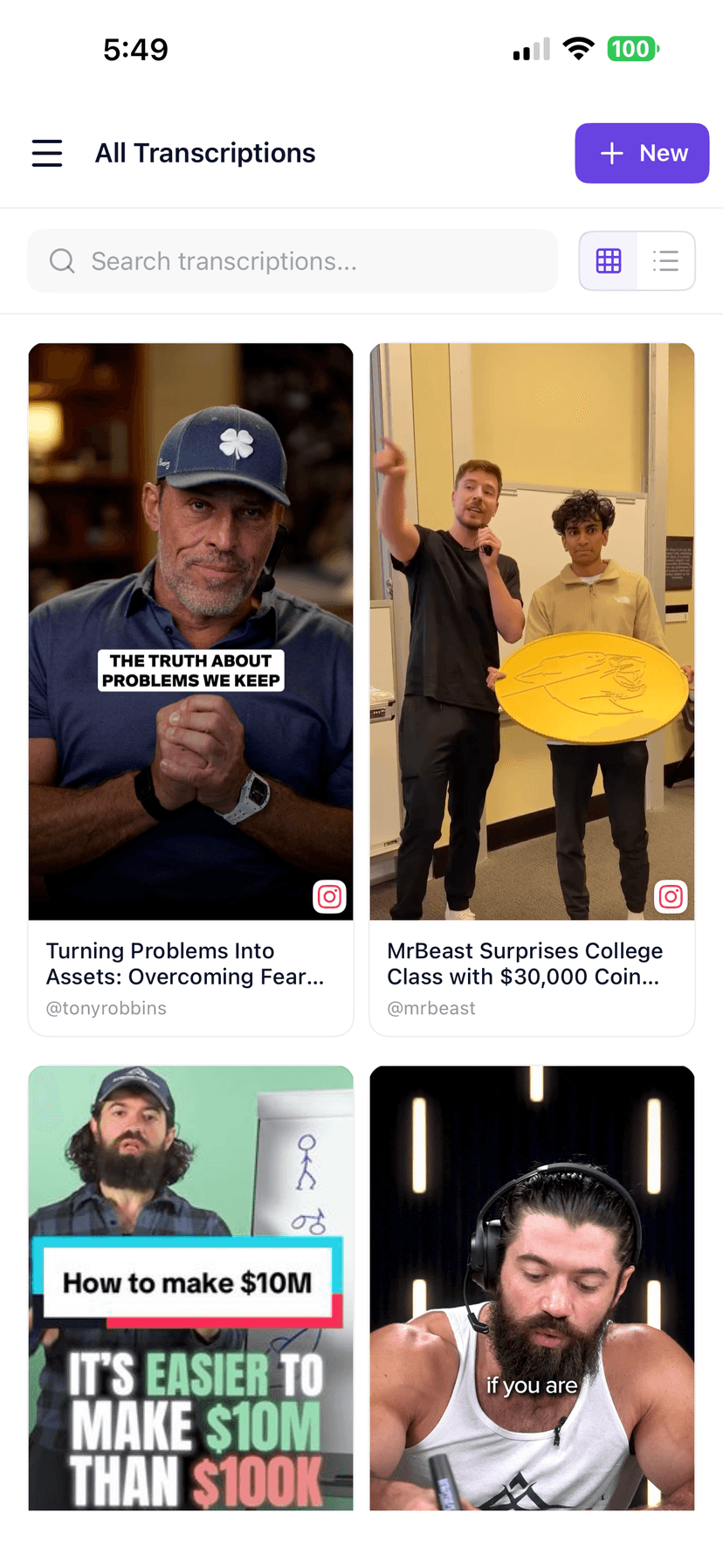
Share a public YouTube link into GetTranscribe on iOS. Keep long-form transcripts, chapter notes, and Shorts in one searchable library.
Share YouTube videos and Shorts into GetTranscribe
Keep long-form transcripts organized on mobile
Available on iOS; Android waitlist open
Copy text, export files, or plug GetTranscribe into the tools your team already uses.
Explore all integrations →| Topic | Manual | GetTranscribe |
|---|---|---|
| Finding a quote | Rewatch and scrub an hour-long video. | Search the transcript and jump to the exact timestamp. |
| Generic AI tools | Download or screen-record, then upload a file elsewhere. | Paste a public YouTube URL — built for social + long-form links. |
| Captions | Hand-time captions in YouTube Studio. | Download SRT and upload or drop into your editor. |
A YouTube transcript is the complete spoken text of a video — every word, written out with timestamps so you can search, quote, summarize, and republish without rewatching.
GetTranscribe turns public YouTube audio into editable text and SRT captions, then helps you search chapters, extract lessons, and turn long-form video into written knowledge.
Simple, transparent pricing
Start with 2 free video analyses · Pro from $9.99/month · Business from $29/month · usage credits after your plan limit.
Straight answers for the searches people actually type before they transcribe a video.
Copy the YouTube video URL, paste it into GetTranscribe, and click Get YouTube Transcript. Most short videos are ready in about a minute. Public YouTube videos, Shorts, and podcasts are supported.
Yes. Paste any YouTube Shorts URL and get a transcript. Shorts are processed the same as regular YouTube videos — typically about a minute for short clips.
Yes. GetTranscribe supports long YouTube videos and podcasts, subject to plan and processing limits. Longer videos take more time. Usage credits are $0.06 per minute.
Yes. GetTranscribe generates plain text transcripts and SRT caption files with timestamps. Download the SRT and upload it to YouTube Studio or your editor.
Search for quotes by timestamp, generate chapter summaries, extract action items, ask AI questions, or convert the video into articles and newsletters. A transcript is the starting point for searchable knowledge.
Try without an account first. Free includes 2 lifetime video transcriptions. Pay-as-you-go is $0.06 per minute. Pro is $9.99/mo. See pricing for the full breakdown.