Build a searchable intelligence library from social video.
Save videos by client, competitor, campaign, creator, or topic. Search transcripts, frames, scenes, hooks, and insights—or ask questions across complete collections.
No credit card required · Web + iOS · Android waitlist open
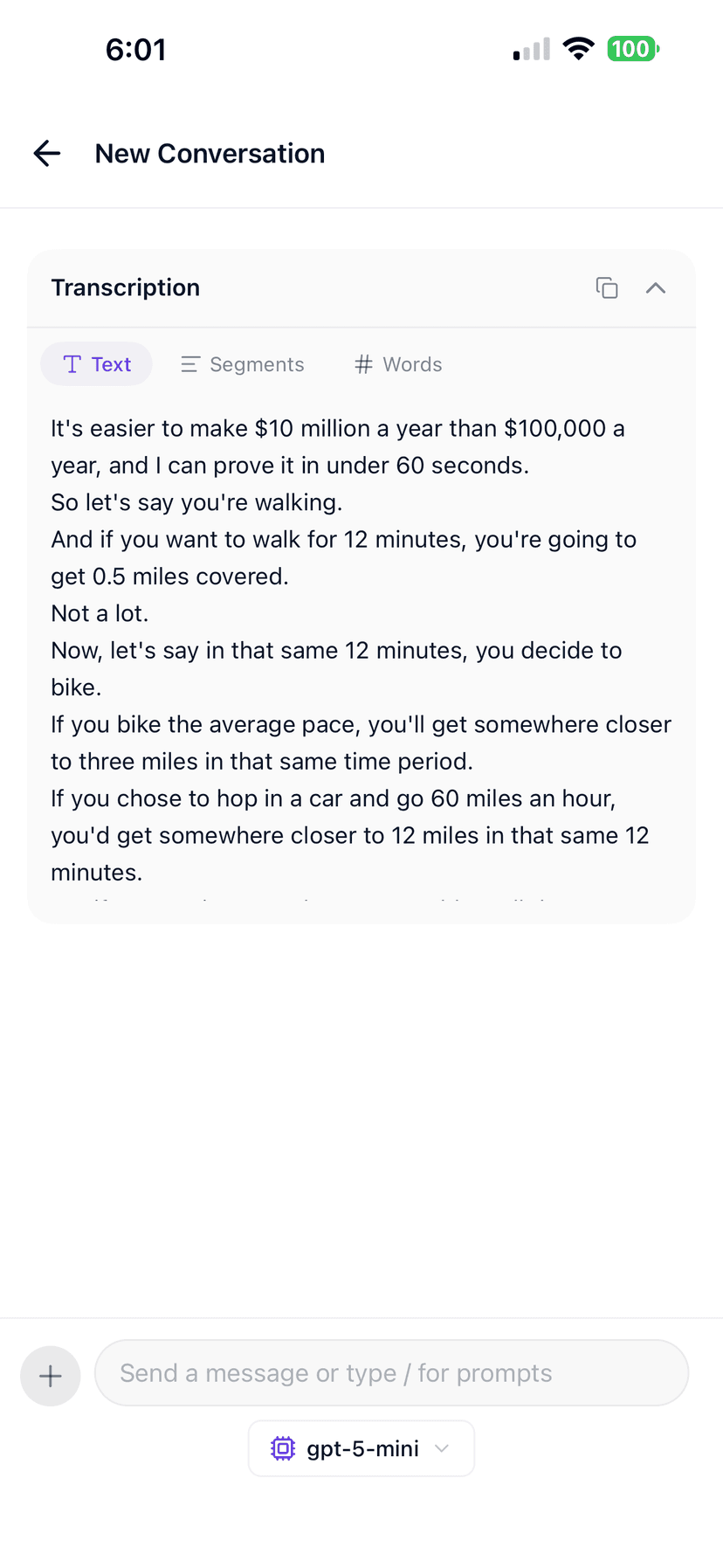
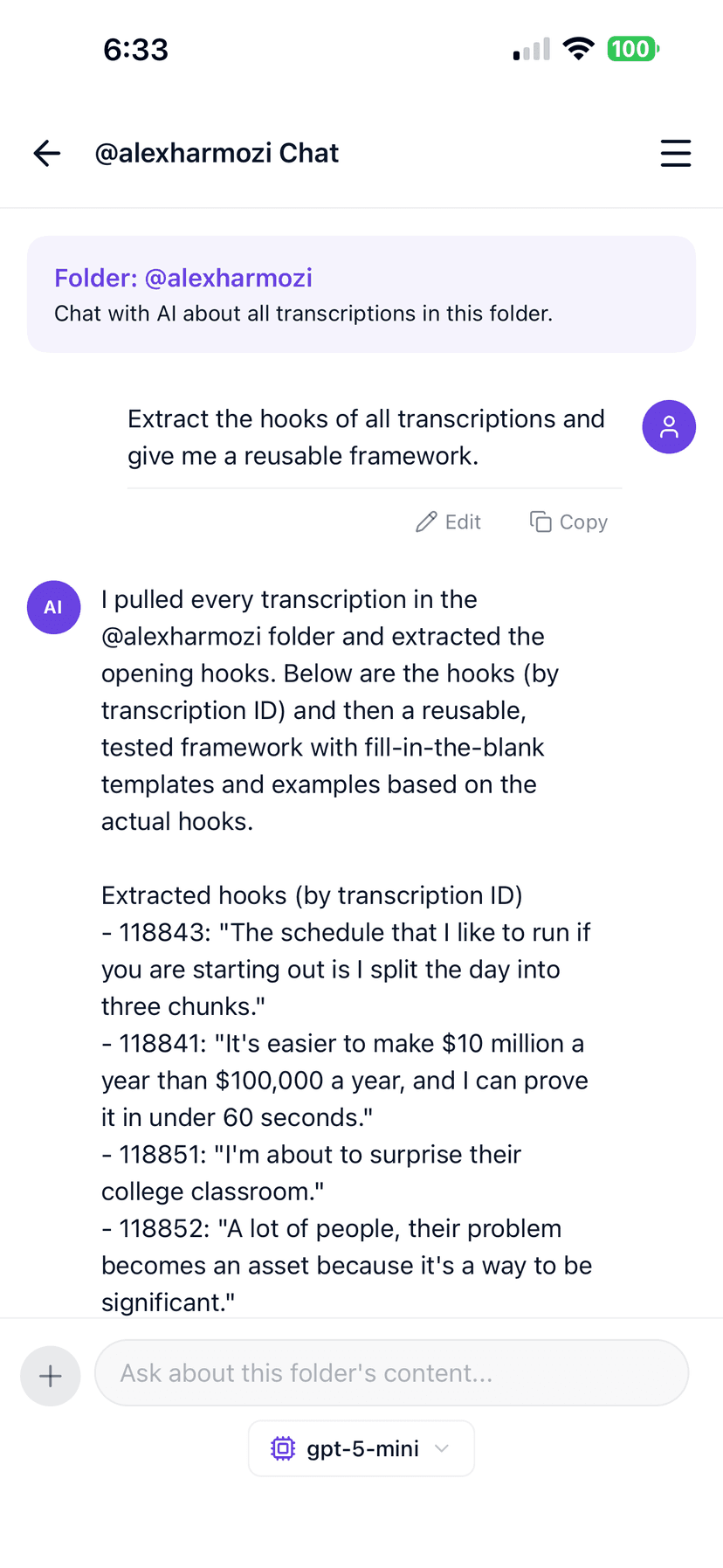
Every video becomes more than a bookmark.
Get a searchable transcript, key frames, scenes, topics, hooks, analysis, and source-linked AI answers automatically.
Transcript with timestamps
Key frames
Scene breakdown
Hooks and topics
AI conversations
Source moments
Collections and tags
CTAs and key moments
From scattered links to a permanent social video knowledge system.
Replace bookmarks, chats, and spreadsheets with a system you can organize, search, ask, and export from.
Organize
Folders by client, competitor, campaign, creator, or topic—without losing the analysis attached to each video.
Search
Search what was said and what was analyzed: transcripts, scenes, hooks, topics, and CTAs across every saved video.
Ask
Ask a question against a folder and get an answer synthesized from every relevant video—with sources attached.
Jump to source
Every search result and AI answer links to the timestamp and frame behind it so you can verify before you act.
Capture
Save from the web app, Chrome extension, or iOS share sheet the moment you find something worth keeping.
Export and share
Export research findings as Markdown or Excel, copy transcripts, and move insights into decks and docs.
Ask the questions your bookmarks never answered.
Example queries
Show every video mentioning custom conversion events.
Find all mistake-based hooks in this collection.
Which competitors discuss pricing?
Show product demonstrations from the first ten seconds.
What objections appear repeatedly across these videos?
Show every video mentioning custom conversion events
Results · 3 videos
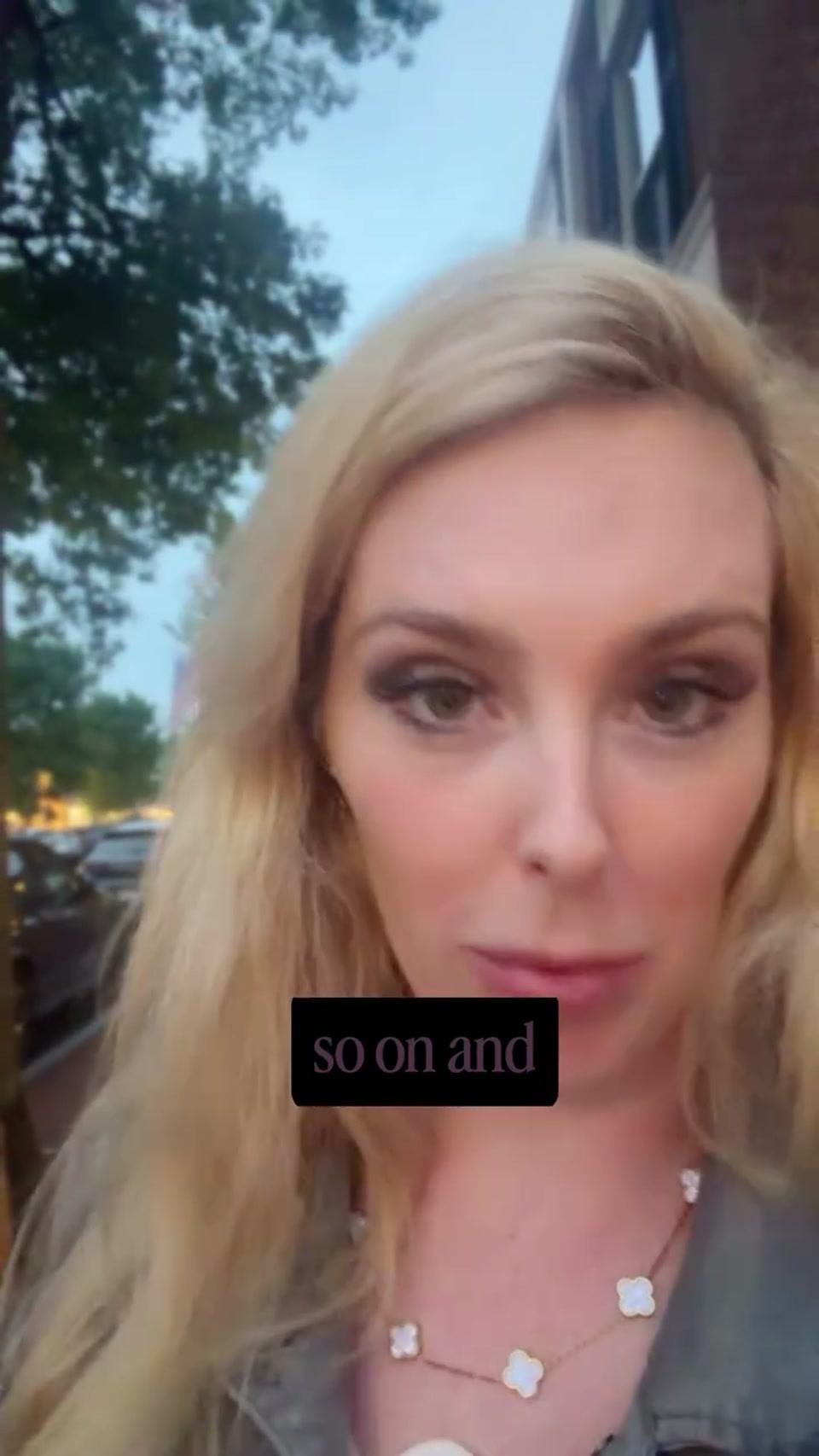
@brand_one
“Track every funnel micro-step.”
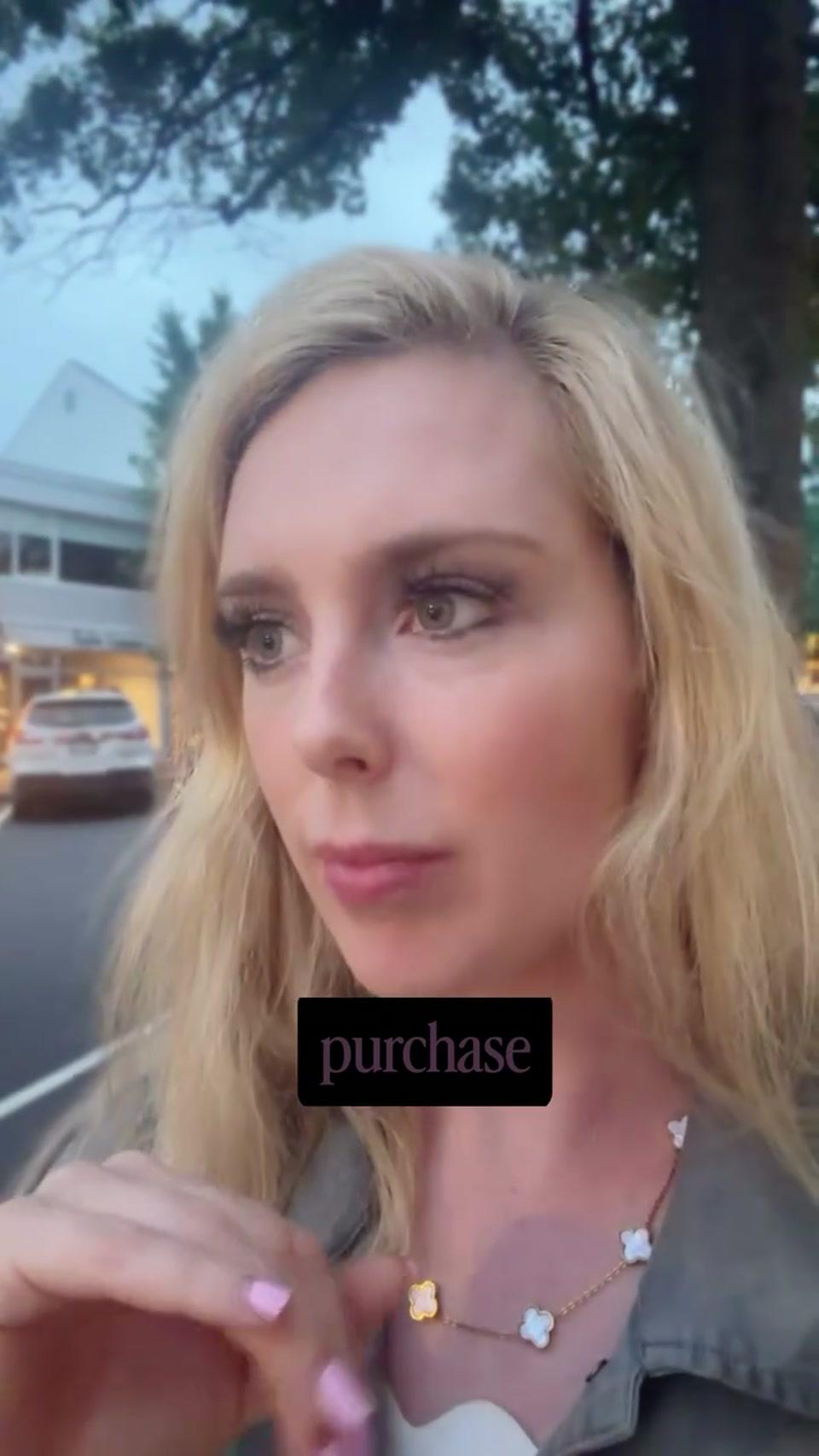
@brand_two
“Separate lead and purchase signals.”
@brand_three
“Do not optimize only for clicks.”
Structure the library the way you already think.
Agency workspace
Client: Nike
Competitors
UGC Inspiration
Winning Hooks
Campaign Research
Content team workspace
Our Best Performers
Competitor Watch
Product Demonstrations
Hook Bank
Q3 Campaign
Creator workspace
Niche Top Creators
Video Ideas
Winning Hooks
Scripts to Study
My Analytics Reviews
Research workspace
Market research
Competitor claims
Customer language
Product mentions
Trends and signals
Save the video the moment you find it.
Capture
Automate
Video library questions
What is stored for each video?
A searchable transcript with timestamps, representative frames, scenes, topics, hooks, structure and CTA analysis, source metadata, and any AI conversations you create from that video or its folder.
Can I search inside frames and scenes?
Search covers transcripts and structured analysis fields—hooks, topics, CTAs, scene summaries, and related metadata. Frame search uses the analysis and associated transcript moments, not standalone OCR or object detection across every pixel.
Can multiple people use the same library?
Today the library lives in your GetTranscribe account and is accessible from web and iOS. Shared multi-user workspaces with permissions are not available yet. Teams typically export findings, use a shared account for research, or sync results through the API.
What happens if the original social video is removed?
GetTranscribe keeps the analysis assets stored in your account—transcript, frames, scenes, and insights—so your research remains searchable even if the public post later disappears. Access to the original platform page depends on the source remaining available.
Can I export my library?
Yes. Copy transcripts, download Markdown or Excel exports from collections, export captions where available, and use the REST API for programmatic access. There is no hard export format limit beyond your plan's processing and fair-use usage.
How do I capture videos on the go?
Use the iOS app's share sheet to send a video from TikTok, Instagram, or YouTube into a folder, or the Chrome extension while browsing on desktop. Android is currently on a waitlist.
Start your library with your first video
2 free video analyses · No card required · Organize from day one
Import and analyze complete collections with Bulk Analysis